
Advertising and partnerships
Advertise to families and therapists when they are looking for help
DrSensory is a clinical guide and clinic directory for physical, occupational and speech therapy at every age. Sponsor the pages parents use to find a clinic, and the DrParenting guides they read along the way.

What fits your budget?
Tell us what you promote and what you want to spend, by the month or once. We will suggest the package that fits. Nothing you enter is sent until you email us.
People with a real question, at the moment they ask it
Is this normal for my child? Who can help near us? What will it cost? What can we do at home? Families come to DrSensory to answer those questions, and clinic owners come to grow their practice.

Parents and caregivers
Of babies, toddlers, school-age children and teens: sleep, play, gear, school and development.

Families choosing a clinic
Comparing physical, occupational and speech therapy clinics on city pages, state pages and clinic profiles.

Adults and teachers
Adults looking for therapy for themselves or a parent, and teachers supporting children in class.

Therapists and clinic owners
Listing a clinic, checking state rules, billing Medicaid and insurance, and growing a practice.
October 2026
Introduce your brand to the DrSensory audienceExplore advertising placements alongside our resources on sensory needs, child development and family life.
Source: Google Search Console. Impressions count appearances in Google Search across DrSensory, not website visits or advertising views.
Four places, chosen so ads never get in the way of care
Ads run on the pages built for browsing and choosing. They stay off the pages people read to understand a diagnosis.
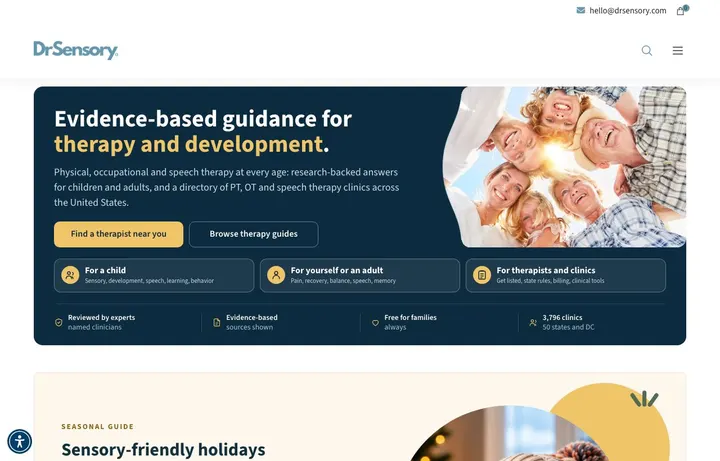
DrSensory Homepage Placements
Every kind of visitor starts here.
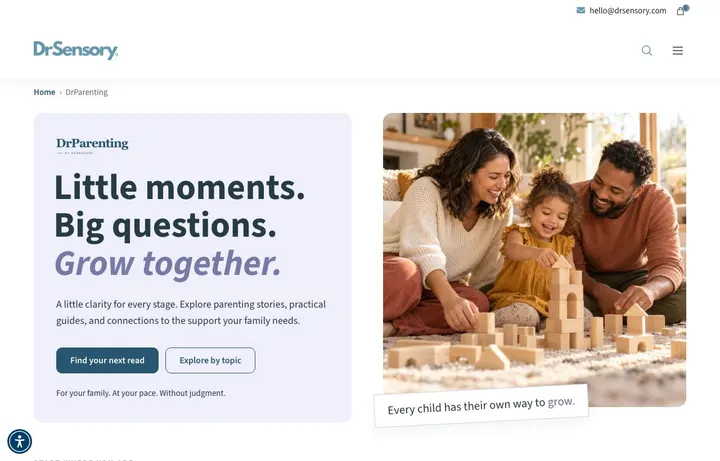
DrParenting home, guides and hubs
Parents and caregivers, and the professionals who read with them.
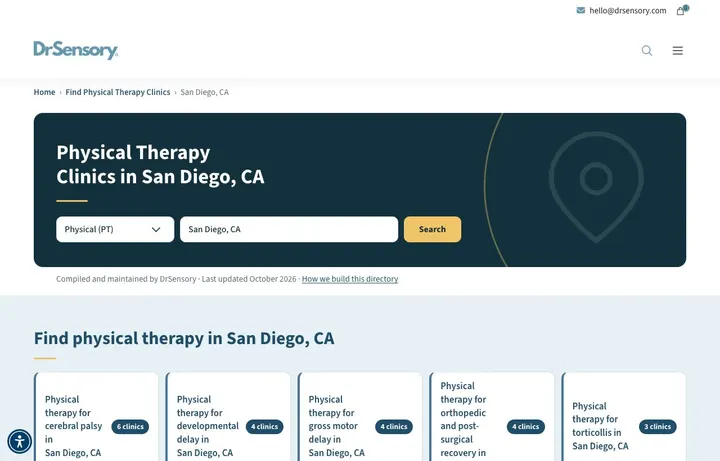
Clinic directory
Families comparing clinics in their city.
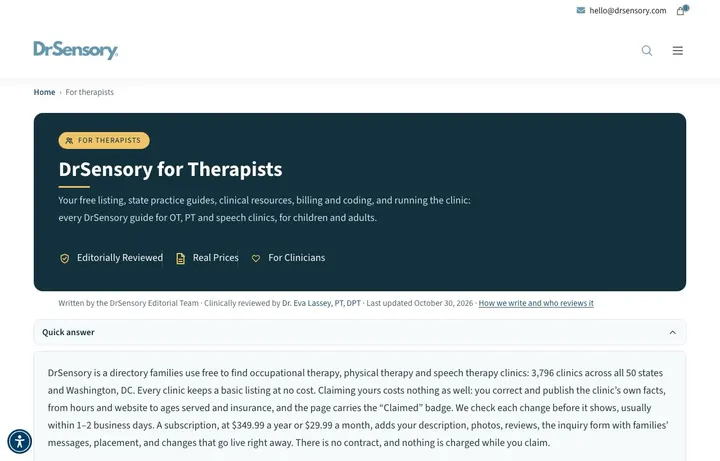
For Therapists
Clinic owners, therapists and practice managers.
Readers trust DrSensory, and we keep it that way
- Every ad is labeled Sponsored, and its link is marked as sponsored, as Google requires.
- Advertising never changes what a guide says, which products it picks, or the order of clinics.
- DrSensory’s clinical pages carry no paid links. We make no exceptions.
Ads never run on
- Condition pages, clinical guides and clinical articles
- Quizzes
- A clinic’s own profile, or between two clinics in a list
Five packages, month to month
Book one or combine them. Each placement’s code matches the screenshots further down. Prices in US dollars.
Homepage Premier
One sponsor at a time
$500 /month
- Homepage Banner A1Sponsor strip under the homepage welcome
- Homepage DrParenting Feature A2Sponsor card in the homepage DrParenting band
- DrParenting Presenting Sponsor P1“Presented by” line on the DrParenting home page
- Sponsor box above the questions and answers B2On every DrParenting guide
Best for: family products and brands that want the widest reach
Directory Sponsor
One sponsor at a time · never a therapy provider
$400 /month
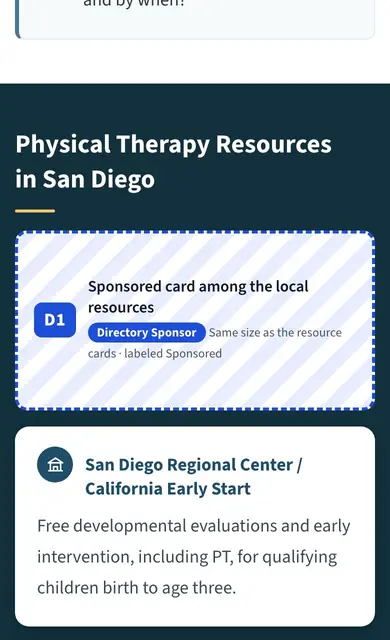
- Sponsored card among the local resources D1In “Resources in [city]” on every city page
- Banner after the clinic list D2On every city page
- Banner under the “Find clinics near you” search D3On the main Find a Therapist page
Best for: family services, products and venues that help families after they find a clinic
DrParenting Partner
Up to three partners, shown in turn
$250 /month
- One-third share of the two in-guide spots B1B3On every DrParenting guide
- DrParenting Sponsored Card P2Sponsored card in the DrParenting article grid
- One DrParenting hub of your choice, included H1H2The “Presented by” line and the native card on that hub
Best for: toys, baby gear, sensory tools and parenting products
For Therapists Sponsor
One sponsor at a time
$200 /month
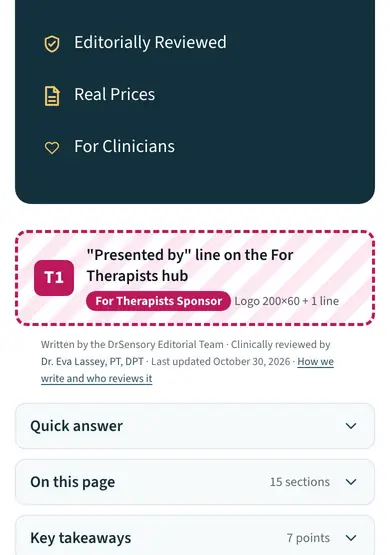
- “Presented by” line on the For Therapists hub T1Under the hub title
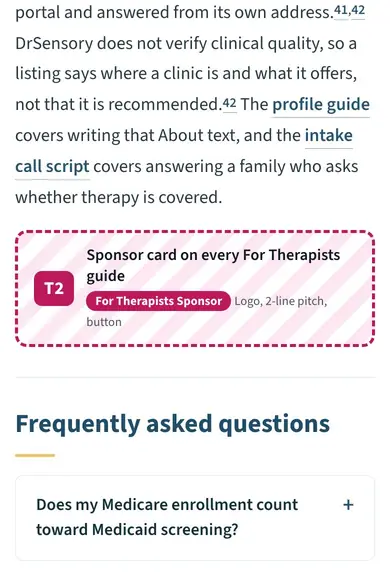
- For Therapists Guide Sponsorship T2Sponsor card on every For Therapists guide
Best for: practice software, billing, continuing education and clinic equipment
Hub Sponsor
One sponsor per hub
$150 /month per hub
Best for: a brand that fits one stage or topic, such as baby gear on the Baby hub
- “Presented by” line under the hub title H1On a DrParenting hub, such as Baby
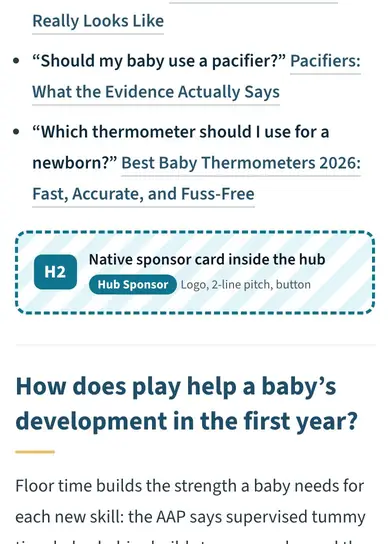
- Native sponsor card inside the hub H2On a DrParenting hub, after its guide chooser
Hubs: Baby, Toddler, School, Health guides, Perspectives, and new hubs as they open
Interested in an article or product feature?
Explore contributed articles, product placements and sponsored links in DrParenting.
View options and pricingLooking to promote your clinic?
Explore clinic profiles and subscription options in the DrSensory therapy directory.
Explore clinic plansMatch the package to what you sell
Toys, baby gear, sensory tools
Homepage Premier for the widest reach, or DrParenting Partner inside the guides parents read.
Travel, venues, programs, family services
Directory Sponsor reaches families right after they choose a clinic. A Hub Sponsor fits one stage or topic.
Software, billing, education, equipment
For Therapists Sponsor puts you on the guides clinic owners use to run and grow their practice.
Seasonal ideas
What an ad looks like
You send a logo, a few words and a link. We set it in DrSensory’s type and colors, always labeled Sponsored.
One line about what you offer families.Learn more
Two lines on what you make and who it helps, in plain words.
Visit yourbrand.comA card that sits with the other cards on the page, the same size.
Learn moreEvery ad spot at a glance
Fourteen spots on six kinds of page. Each has a heading, where it sits and a code; the color of the code shows its package. The screenshots below show every spot on a computer and on a phone, on the live site.
DrSensory Homepage PlacementsThe DrSensory homepage (drsensory.com)
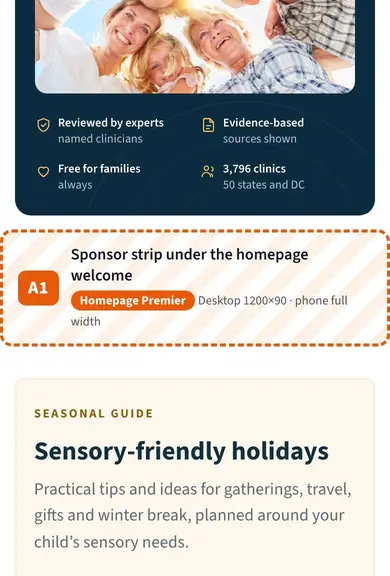
- Homepage Banner A1Sponsor strip under the homepage welcomeHomepage PremierDesktop 1200×90 · phone full width
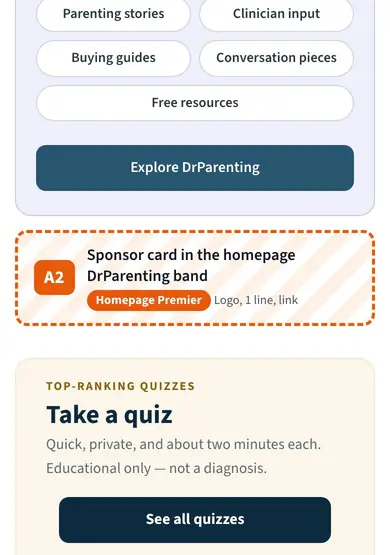
- Homepage DrParenting Feature A2Sponsor card in the homepage DrParenting bandHomepage PremierLogo, 1 line, link
DrParenting PlacementsThe DrParenting home page (drsensory.com/drparenting/)
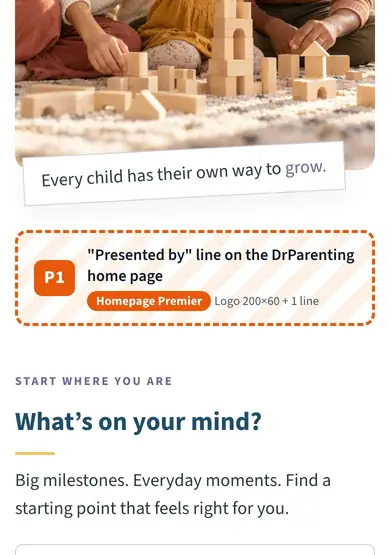
- DrParenting Presenting Sponsor P1“Presented by” line on the DrParenting home pageHomepage PremierLogo 200×60 + 1 line
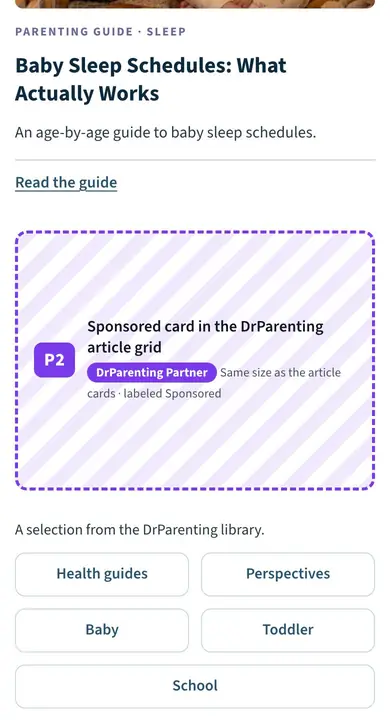
- DrParenting Sponsored Card P2Sponsored card in the DrParenting article gridDrParenting PartnerSame size as the article cards · labeled Sponsored
DrParenting guidesEvery DrParenting guide
- Native box between guide sections B1On every DrParenting guideDrParenting PartnerLogo, 2-line pitch, link · labeled Sponsored
- Sponsor box above the questions and answers B2On every DrParenting guideHomepage PremierLogo, 2-line pitch, button
- Sponsor card above “Related DrParenting guides” B3At the end of every DrParenting guideDrParenting PartnerLogo, 2-line pitch, button
DrParenting hubsEvery DrParenting hub, such as Baby
- “Presented by” line under the hub title H1On a DrParenting hub, such as BabyHub SponsorLogo 200×60 + 1 line · labeled Sponsored
- Native sponsor card inside the hub H2On a DrParenting hub, after its guide chooserHub SponsorLogo, 2-line pitch, button
Clinic directoryEvery city page and the Find a Therapist page
- Sponsored card among the local resources D1In “Resources in [city]” on every city pageDirectory SponsorSame size as the resource cards · labeled Sponsored
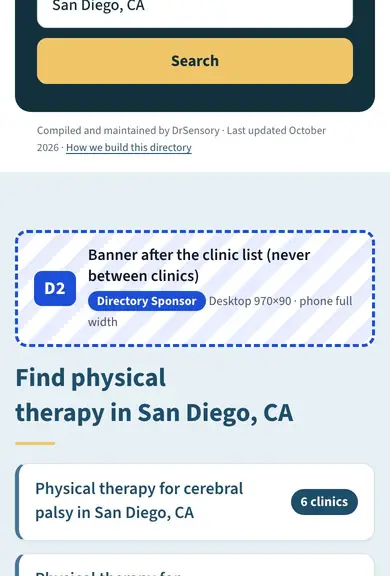
- Banner after the clinic list D2On every city pageDirectory SponsorDesktop 970×90 · phone full width
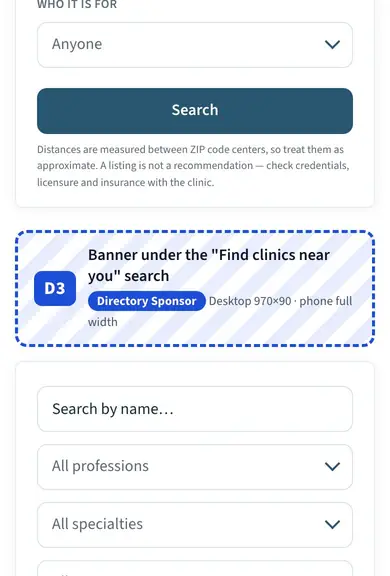
- Banner under the “Find clinics near you” search D3On the main Find a Therapist pageDirectory SponsorDesktop 970×90 · phone full width
For TherapistsThe For Therapists hub and every For Therapists guide
- “Presented by” line on the For Therapists hub T1Under the hub titleFor Therapists SponsorLogo 200×60 + 1 line
- For Therapists Guide Sponsorship T2Sponsor card on every For Therapists guideFor Therapists SponsorLogo, 2-line pitch, button
The striped boxes in the screenshots are placeholders drawn onto real DrSensory pages. Your ad uses your logo and words in DrSensory’s type and colors, with a Sponsored label.
DrSensory Homepage Placements
The DrSensory homepage (drsensory.com)
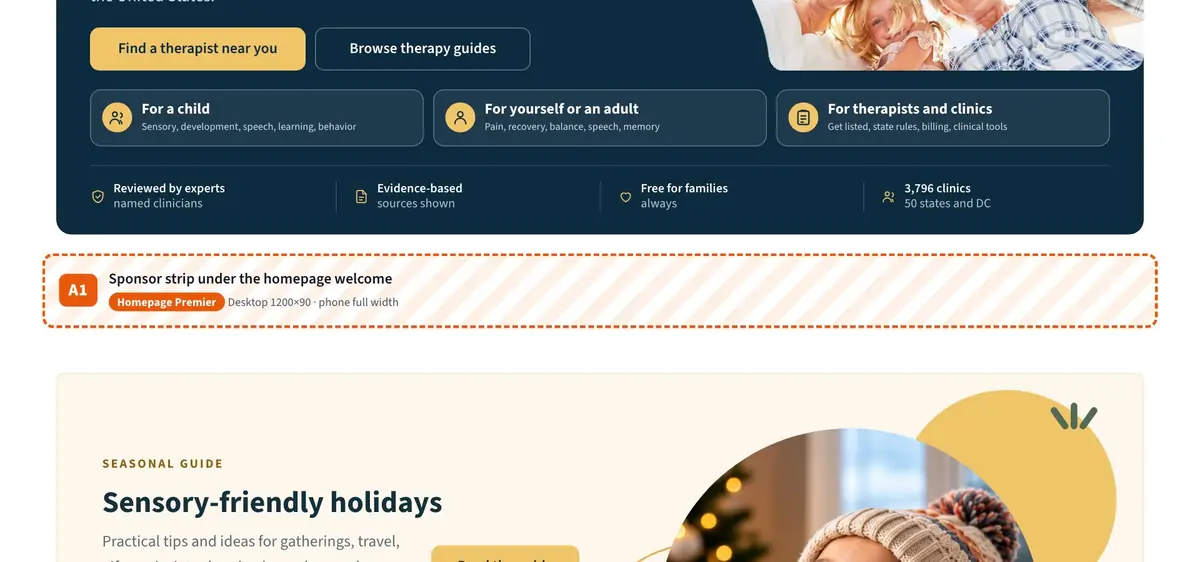
Computer. Right under the welcome panel, before the seasonal guide: the first thing every visitor scrolls past.
Phone. Full width, under the welcome panel.
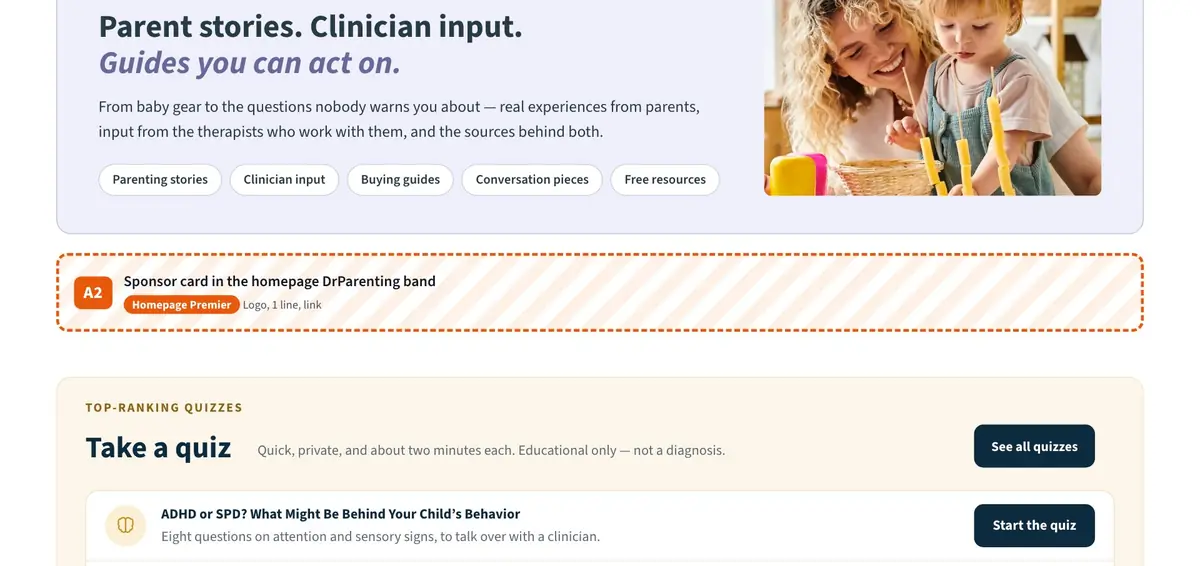
Computer. Inside the band that sends homepage visitors to DrParenting.
Phone. Directly under the DrParenting introduction.
DrParenting Placements
The DrParenting home page (drsensory.com/drparenting/)
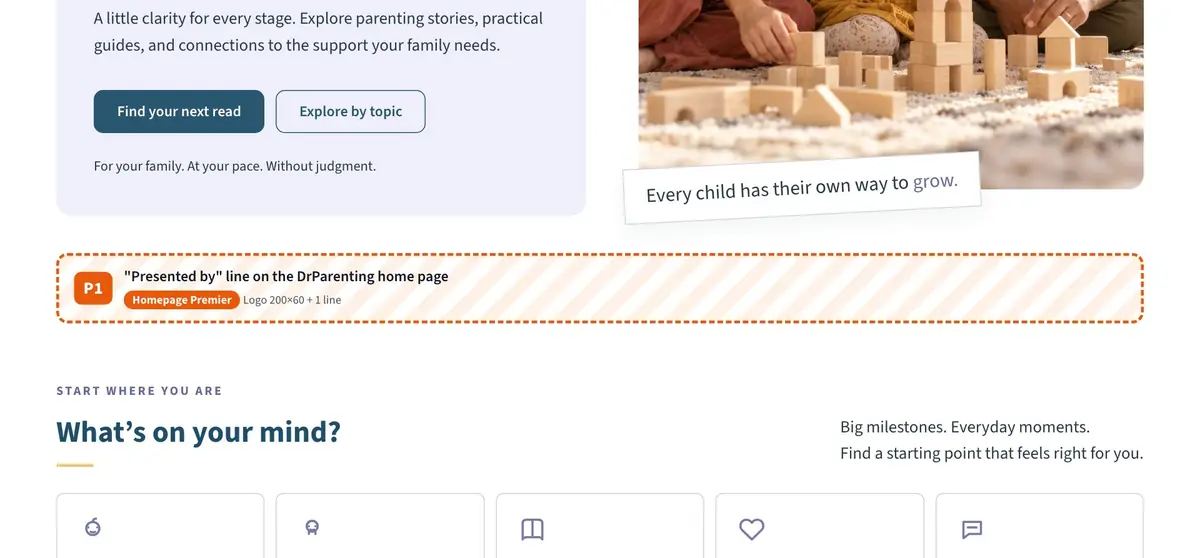
Computer. Under the DrParenting welcome: “DrParenting is presented by…”.
Phone. Under the welcome photo.
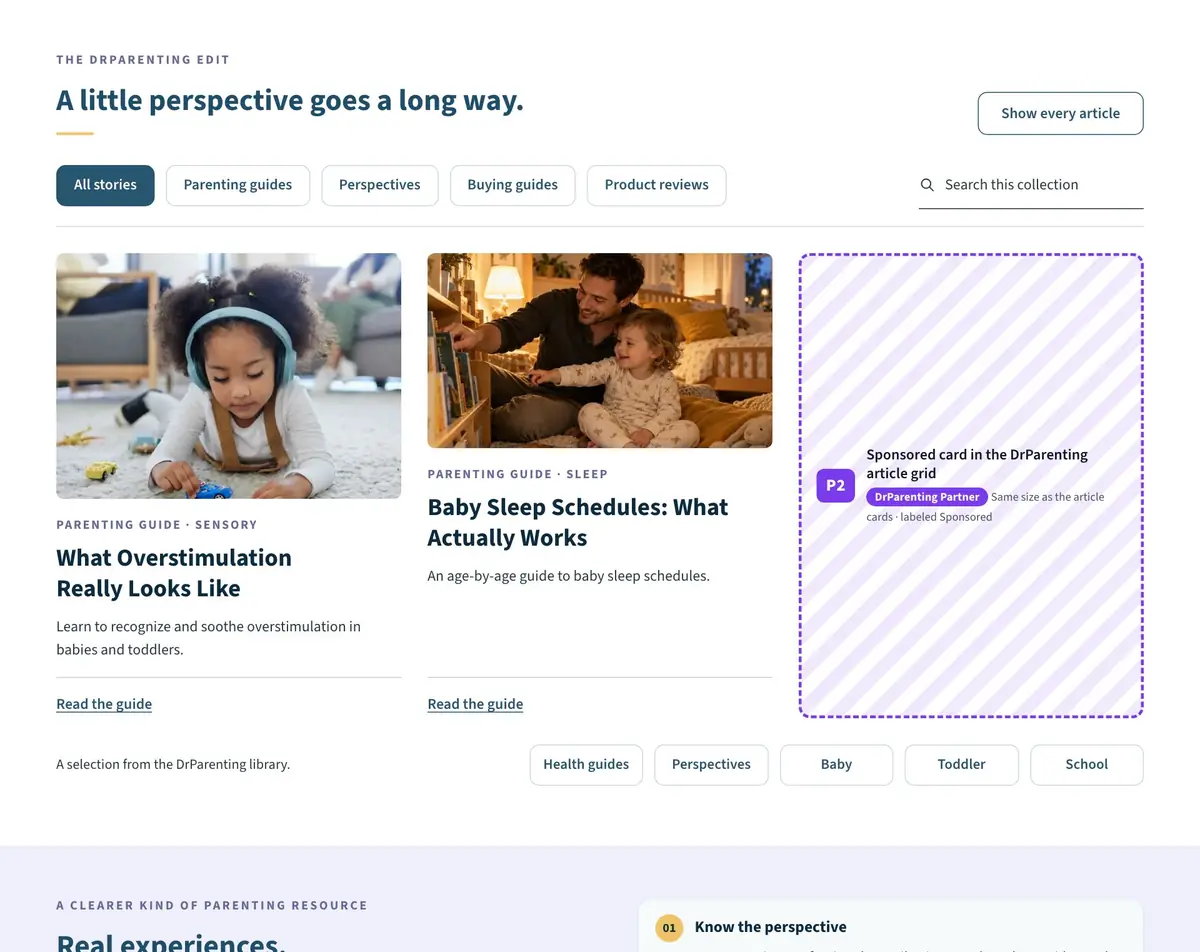
Computer. A card in the featured-guides grid, the same size as the guides beside it.
Phone. Stacks with the guide cards.
DrParenting guides
Every DrParenting guide
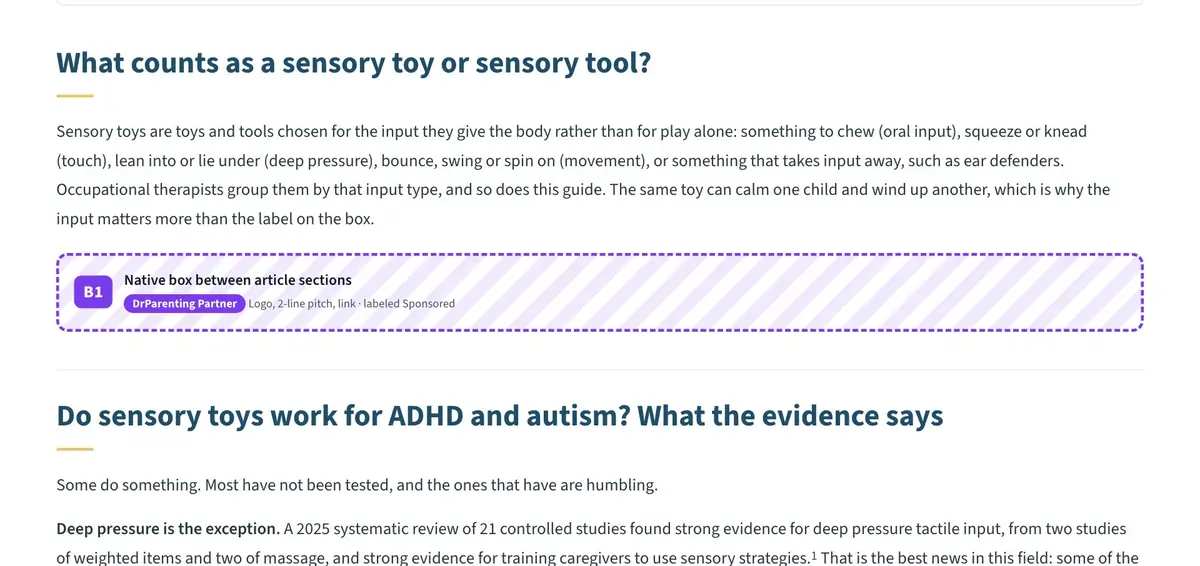
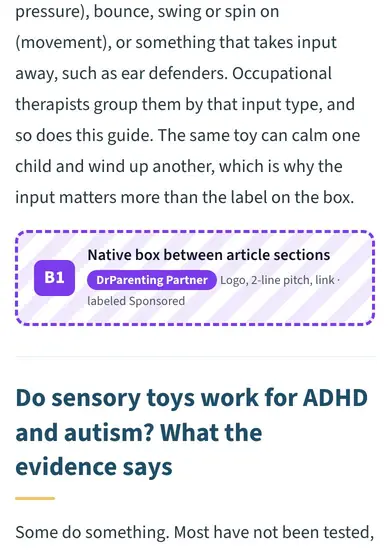
Computer. Between two sections of every DrParenting guide, never inside a product list.
Phone. Full width between sections.
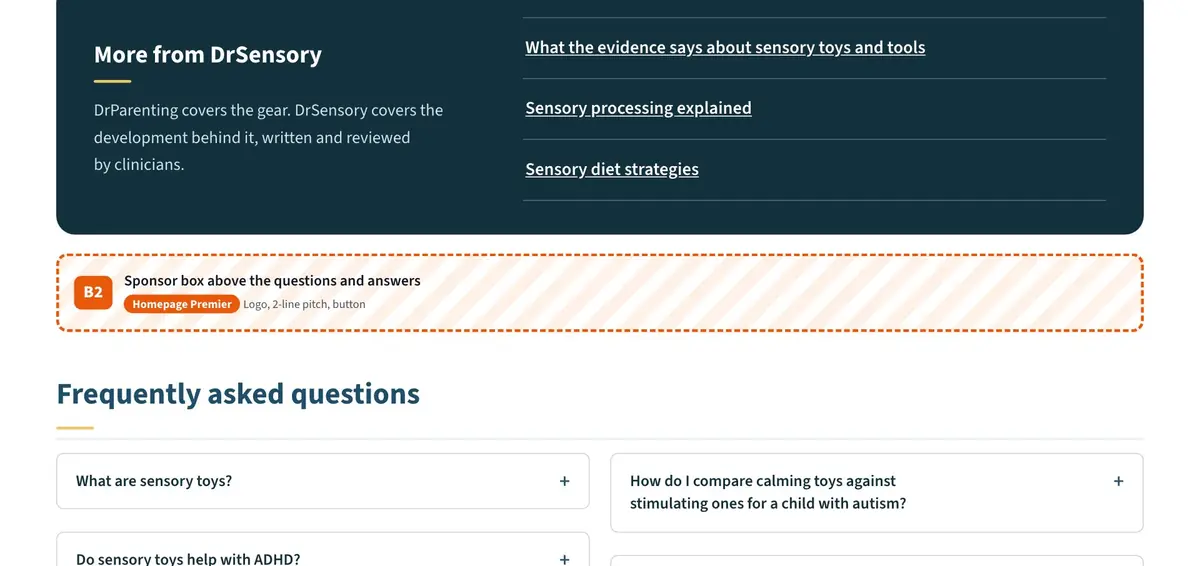
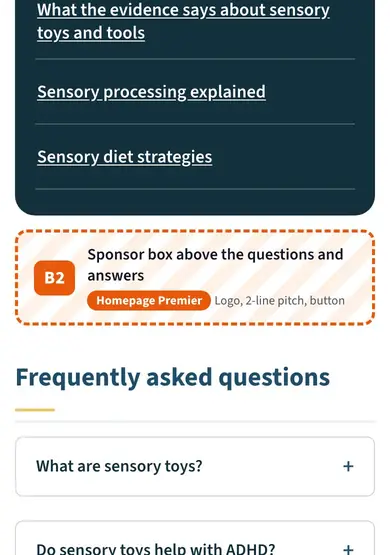
Computer. Just before the questions-and-answers section that closes each guide.
Phone. Full width, before the questions.
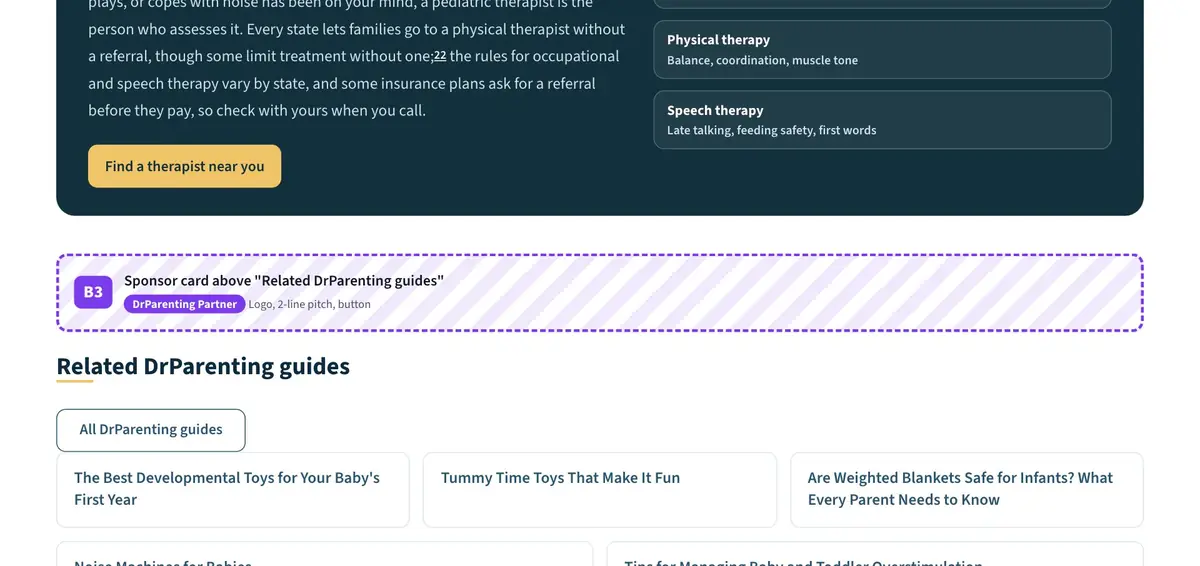
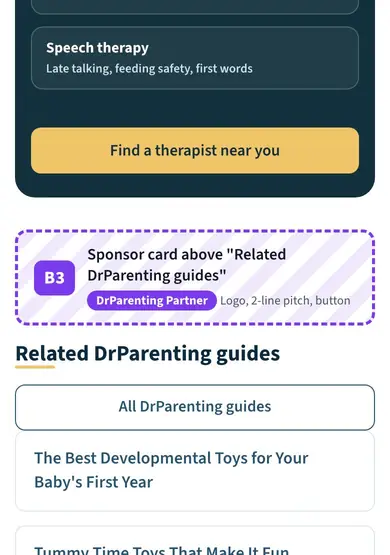
Computer. At the end of the guide, where readers choose what to read next.
Phone. Above the related guides.
DrParenting hubs
Every DrParenting hub, such as Baby
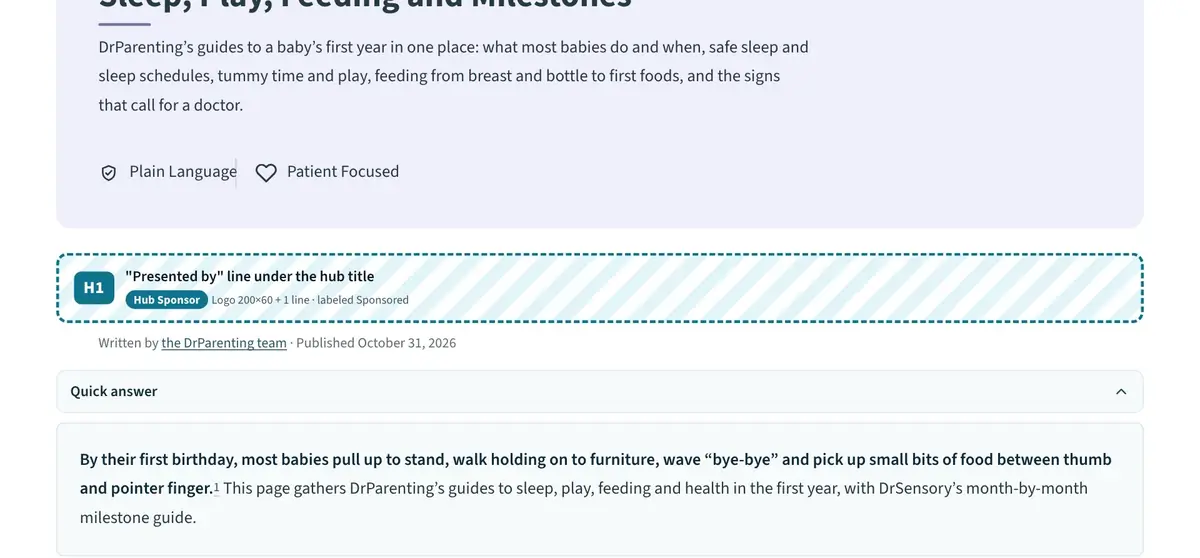
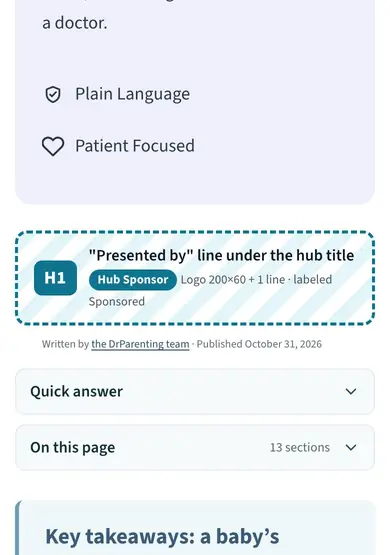
Computer. Under the hub title. Shown on the Baby hub; every hub has the same spot.
Phone. Under the hub title.
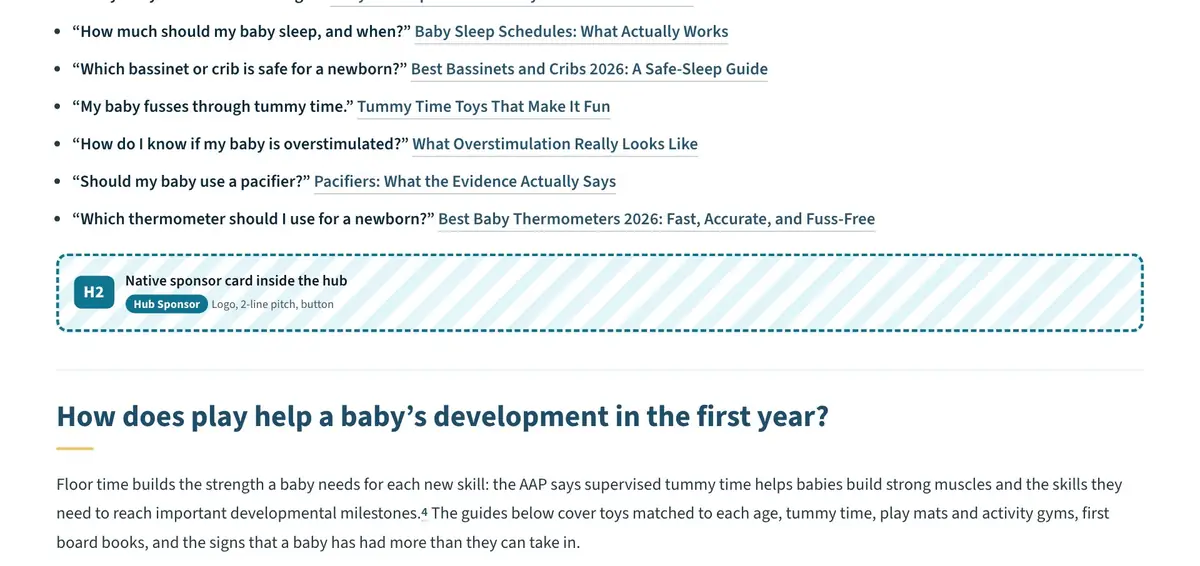
Computer. After the hub’s guide chooser, before the first long section.
Phone. Full width inside the hub.
Clinic directory
Every city page and the Find a Therapist page
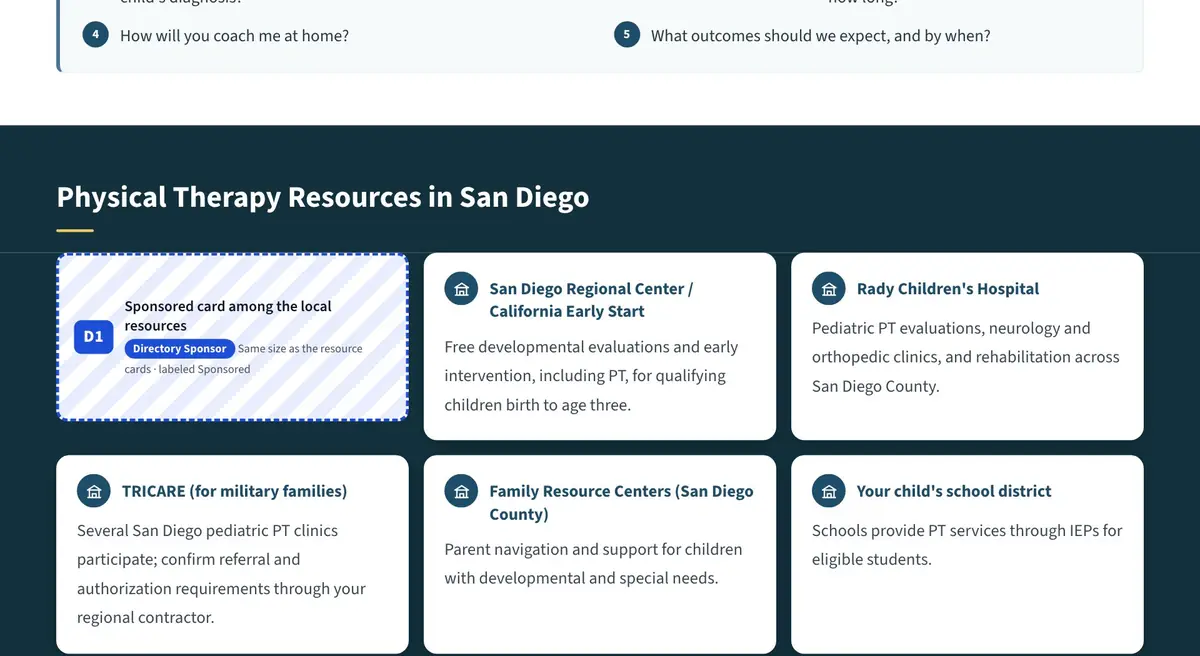
Computer. First card in “Resources in [city]” on every city page. Shown on San Diego physical therapy.
Phone. First card in the resources list.
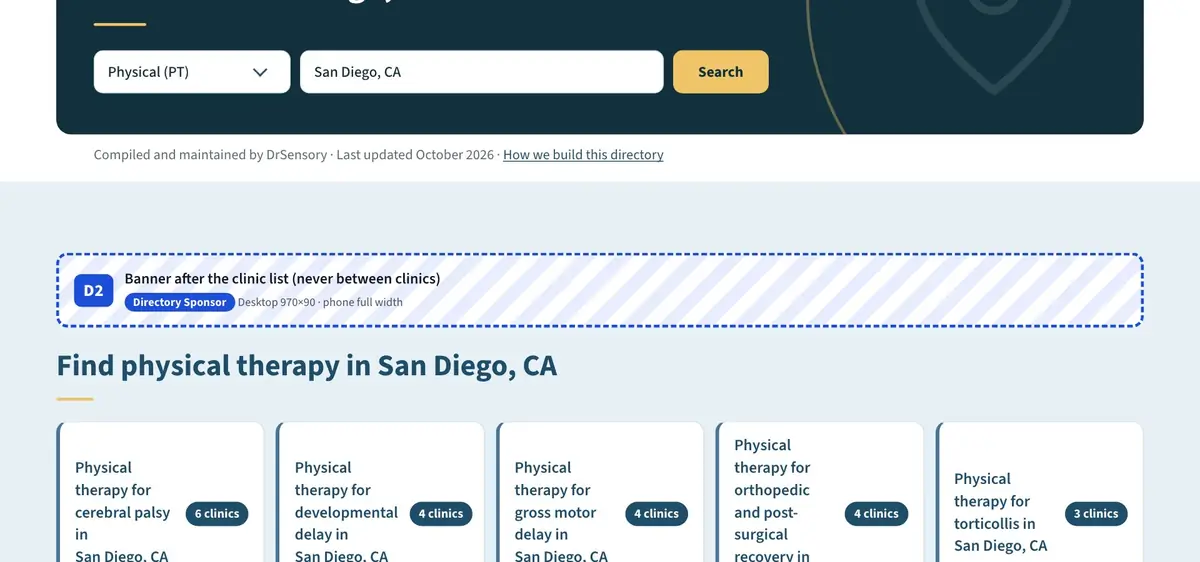
Computer. After the list of clinics, never between two clinics.
Phone. Full width, after the clinic list.
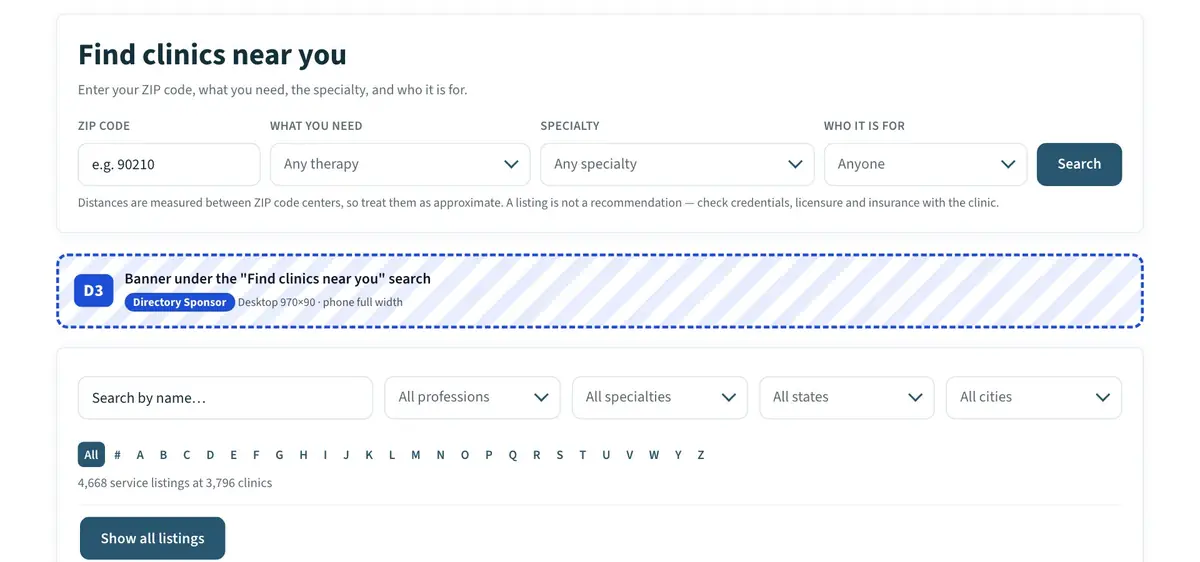
Computer. On the main Find a Therapist page, right under the search.
Phone. Full width, under the search.
For Therapists
The For Therapists hub and every For Therapists guide
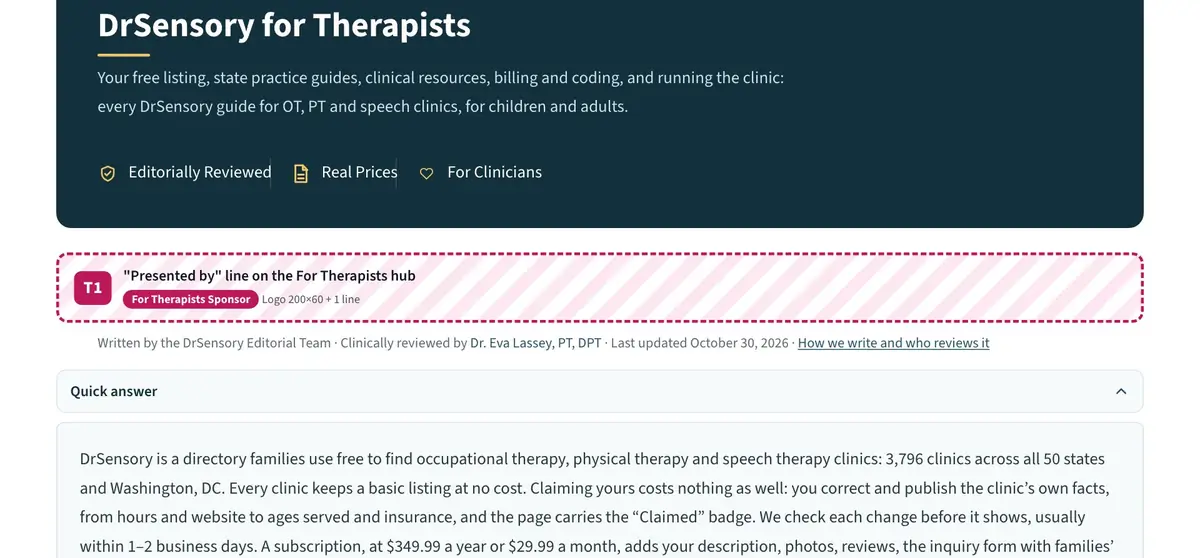
Computer. Under the title of the hub clinic owners use for listings, billing, state rules and growth.
Phone. Under the hub title.
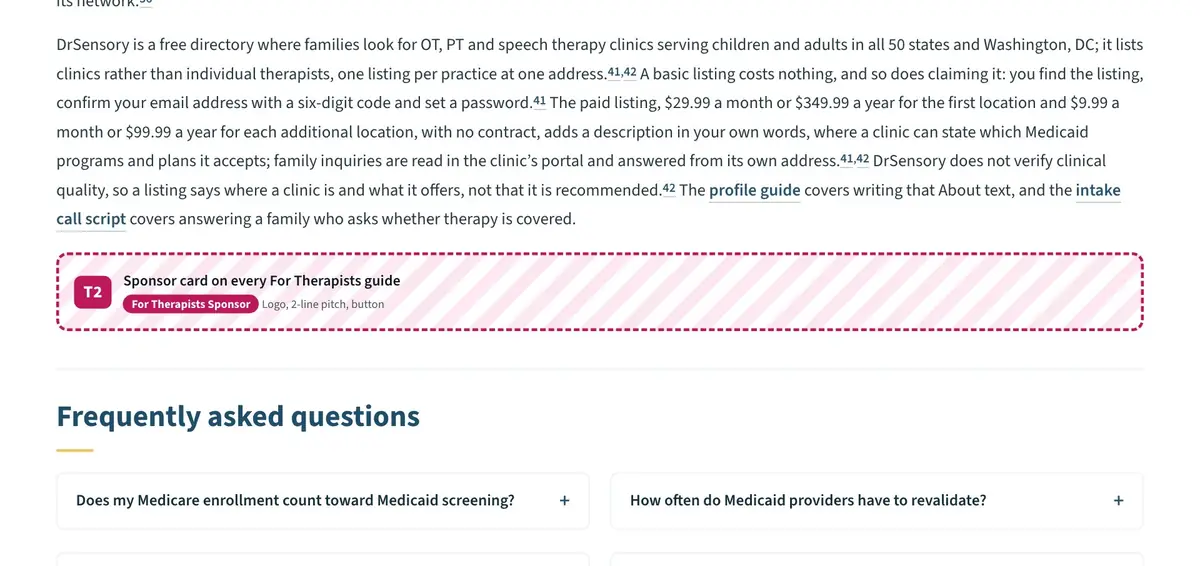
Computer. Before the questions section of every For Therapists guide. Shown on the Medicaid enrollment guide.
Phone. Full width, before the questions.
Simple terms, and three steps to start
Simple terms
- Month to month. Each package runs for a calendar month and renews until you stop it. Tell us before the next month starts.
- Paid in advance through a secure payment link. Advertising is at the listed rate.
- Always labeled. Every ad says Sponsored, and its link is marked as sponsored.
- We approve every ad. Your logo, words and link are checked before they run. Change them once a month.
- Accuracy first. If an ad or the page it links to stops being accurate or safe, we pause it and talk to you.
- Nothing changes what we say. Sponsors never edit DrSensory or DrParenting content, choose a guide’s picks, or change the order of clinics.
What we do not run
- Therapy providers. Clinics are listed in the directory, not advertised.
- Claims to cure or treat a condition
- Products our guides call unsafe for children
- Firearms and drugs
- Anything we cannot check
What you send us
- Your logo, as SVG or a PNG at least 400 px wide
- A short headline and one or two lines of text
- The link people should land on
- A contact for billing
- Tell us what you want
Email the package, the month you want to start and your website.
- We confirm the spots
We check the spots are free and send the sizes for your logo and words.
- Pay and go live
We send a secure payment link. Your ad goes live on the first day of your month.
Questions advertisers ask
Do I have to sign a long contract?
No. Every package runs month to month, by calendar month, and renews until you stop it. Tell us before the next month starts.
Do you offer discounts for longer bookings?
No. Advertising is sold at the listed rate, and every advertiser pays the same price.
Can a therapy clinic advertise?
No. Clinics are listed in the directory, not advertised, and no ad runs on a clinic’s profile or between two clinics. A clinic subscription puts the clinic first where DrSensory lists clinics: see clinic pricing.
Where will my ad never appear?
On condition pages, clinical guides and clinical articles, on quizzes, and on a clinic’s own profile or between two clinics in a list. Ads run only on the homepage, DrParenting, the clinic directory and For Therapists.
Does advertising change what DrSensory says or the order of clinics?
No. Sponsors never edit DrSensory or DrParenting content, choose a guide’s picks, or change the order of clinics. Every ad is labeled Sponsored and its link is marked as sponsored.
What do I need to send?
Your logo (SVG, or a PNG at least 400 px wide), a short headline and one or two lines of text, the link people should land on, and a contact for billing. We set it in DrSensory’s type and colors and approve it before it runs.
How do I pay, and when does my ad go live?
We send a secure payment link before your month starts. Your ad goes live on the first day of your month.
Can I change my ad?
Yes, once a month. Send the new logo, words or link and we check them before they run.
Can I pay once instead of monthly?
Yes. Contributed articles, product placements in DrParenting roundups and links in existing DrParenting guides are paid once, from $75. See Write for DrSensory. To run a package for one month only, tell us when you book.
Ready to advertise with DrSensory?
Choose your package, tell us when you’d like to start, and share what you want to promote. We’ll review your request and confirm availability before payment.
Have a question? Email hello@drsensory.com